Typing across languages has always been something of a balancing act, and nowhere is this more apparent than with French Arabic virtual keyboards. These digital tools bridge two entirely different writing systems, allowing users to switch effortlessly between Latin script and Arabic characters without needing separate hardware. For Arabic speakers living in French-speaking regions, or indeed anyone juggling both languages daily, this technology has quietly become indispensable.
Key points
- French Arabic virtual keyboards allow users to toggle effortlessly between Latin and Arabic scripts without the need for specialized physical hardware.
- These tools must overcome technical challenges, such as managing the different reading directions of French (left-to-right) and Arabic (right-to-left).
- The standardisation of the French AZERTY layout in 2019 provided a research-driven foundation that informed the development of modern multilingual keyboard interfaces.
- Windows and macOS operating systems offer built-in settings to easily enable Arabic input and display virtual on-screen keyboards for accessibility.
- Virtual keyboards automatically handle the complex contextual forms of Arabic characters, simplifying the typing process for users accustomed to French layouts.
- These digital tools serve as essential resources for Arabic speakers in French-speaking regions, facilitating natural communication for personal, business, and academic purposes.
Understanding french arabic virtual keyboards: a cross-cultural innovation
What makes french arabic virtual keyboards unique?
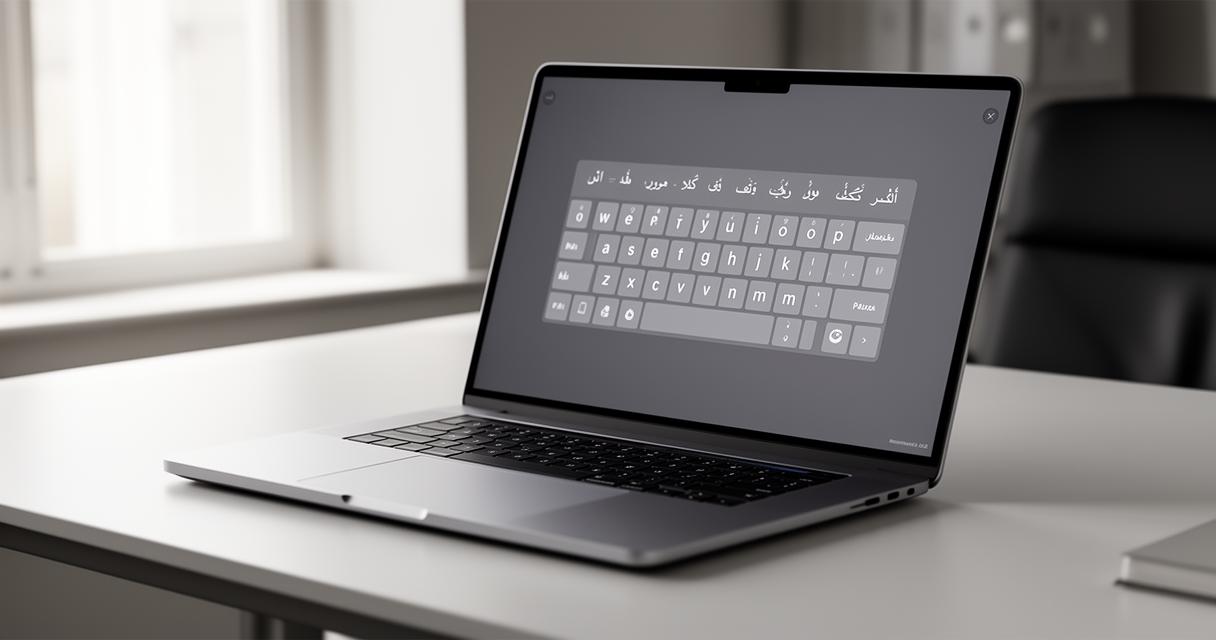
A French Arabic virtual keyboard is not simply a translated version of a standard keyboard. It's a carefully considered piece of interface design that must accommodate two scripts running in opposite directions, with entirely different character sets and diacritical marks. Arabic reads right to left, whilst French follows the familiar left to right pattern, so the software has to manage this switch seamlessly whilst keeping the layout intuitive. The result is a tool that lets users click on-screen keys to produce Arabic script even when their physical keyboard is set up for French, which is particularly handy given that dedicated Arabic keyboards remain relatively rare outside the Middle East and North Africa.
The evolution of cross-cultural keyboard technology
To appreciate how far virtual keyboards have come, it helps to look back at the history of typing itself. QWERTY keyboards have existed for over a century, with the original design coming from the Remington company and its early typewriters. For a very long time, only minor improvements were made to this basic layout, even as computing changed dramatically around it. France, meanwhile, developed its own variant known as the AZERTY keyboard, which became the de facto standard from the nineteenth century onwards without ever being formally standardised. That changed in April 2019, when the French Ministry of Culture oversaw the official standardisation of AZERTY, a project that had begun back in 2015 and drew on collaboration between various academic institutions. Researcher Marie Nancel played a central role in this effort, spending over three years proposing and refining a new keyboard layout designed to improve writing in French whilst also supporting regional and other European languages. The project wasn't without its difficulties, particularly around achieving better character accessibility and sound ergonomic design, but it ultimately led to sixty new characters being added to the layout. This kind of thoughtful, research-driven approach to keyboard standardisation laid useful groundwork for the sort of multilingual, cross-script tools we now rely on, including French Arabic virtual keyboards.
Setting up your french arabic virtual keyboard: a comprehensive guide
Configuring french arabic virtual keyboards on windows operating systems
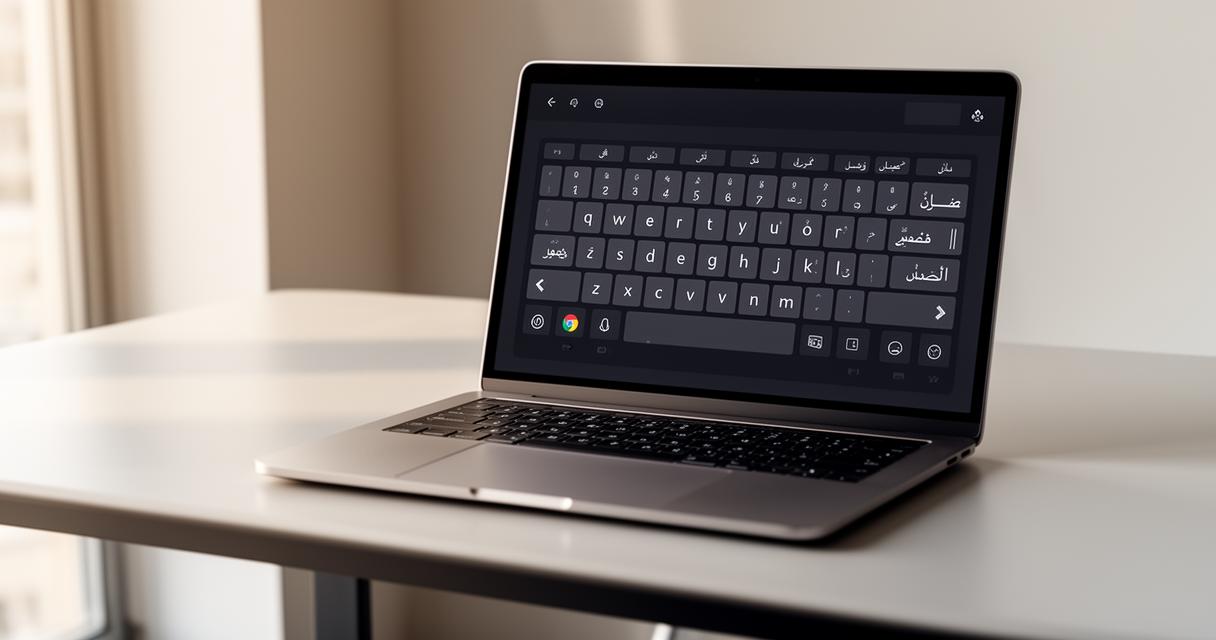
Getting a French Arabic virtual keyboard running on Windows is generally straightforward once you know where to look. Within the language settings, users can add Arabic as a secondary input language alongside their existing French setup, which then makes the on-screen keyboard available with a simple toggle. Windows displays the Arabic characters directly on the virtual keys, so even those unfamiliar with the physical positions can locate letters by sight rather than memory. This is especially useful for anyone who grew up using a French AZERTY layout but needs to correspond in Arabic for family, business, or academic reasons. The switch between languages usually happens via a keyboard shortcut or a small language bar in the taskbar, meaning users aren't forced to close one application and open another just to change scripts.
Installing and Using French Arabic Virtual Keyboards on Mac Devices
Mac users have a similarly accessible route through the system preferences, where additional keyboard layouts can be added under language and region settings. Once Arabic is enabled, the virtual keyboard viewer can be summoned from the menu bar, displaying each key's Arabic equivalent for reference. Apple's implementation tends to be praised for its smooth user experience, a point often highlighted by publications such as UX Planet, which has built a considerable following of 362K on the strength of its coverage of interface design and usability topics. Whether on a MacBook or an iMac, the process of adding this bilingual functionality takes only a few minutes, after which switching between French and Arabic input becomes second nature.
Mastering the French Arabic Virtual Keyboard: Practical Applications and Benefits
Learning the Layout: Navigating Arabic Characters with a French Interface
Getting comfortable with a French Arabic virtual keyboard does take a little practice, particularly for those accustomed to the muscle memory of AZERTY. The Arabic alphabet includes letters with no direct French equivalent, along with contextual forms that change shape depending on their position within a word. Virtual keyboards handle much of this complexity automatically, displaying the correct character shape as it's typed. Some of the research behind modern keyboard layouts, including the extensive work done during the AZERTY standardisation project, involved collecting data on typing times and ergonomic strain, with researchers analysing over five billion characters to understand how people actually type in practice. That same spirit of evidence-based design has influenced how multilingual virtual keyboards are built today, prioritising ease of learning over rigid tradition.
Enhancing Communication for Arabic Speakers in Non-Arabic Speaking Countries
For Arabic speakers settled in France or other French-speaking nations, these virtual keyboards offer a genuinely practical lifeline. Rather than hunting for a specialised Arabic keyboard or relying on transliteration, users can type directly and naturally in their native script whilst using standard computer hardware. This has real implications for maintaining connections with family abroad, conducting business correspondence, or simply preserving a sense of linguistic identity whilst living far from home. It's worth noting that during the AZERTY overhaul, public feedback was actively sought, with researchers gathering nearly four thousand comments that led to meaningful adjustments in the final design. That same principle of listening to users applies to cross-script tools, since manufacturer implementation ultimately determines how well these keyboards serve real people with real needs. As keyboard innovations continue to develop, French Arabic virtual keyboards stand as a quiet but meaningful example of technology adapting to serve linguistic diversity rather than forcing users to adapt to it.