Setting up a professional photo studio at home or in a dedicated space is an exciting endeavour, but it comes with its fair share of technical challenges. One of the most common frustrations photographers and videographers encounter when working with a green screen backdrop — particularly a generous 300×300 cm studio kit — is the appearance of unwanted shadows that can undermine an otherwise polished final image. Understanding how lighting, positioning, and kit components work together is the foundation of solving these issues before they arise.
The essentials
- Maintain a distance of at least one to two meters between the subject and the green screen to prevent shadows and improve the chroma keying process.
- Eliminate creases in the cotton backdrop by steaming or allowing it to hang freely, as folds create micro-shadows that are difficult to remove in post-production.
- Use a balanced lighting setup with separate light sources for the subject and the backdrop to ensure even illumination and reduce unwanted shadows.
- Employ diffusers like softboxes or umbrellas to soften light quality and eliminate the hard-edged shadows caused by bare bulbs.
- Secure the backdrop stand with sandbags or counterweights to prevent instability, which can cause lighting inconsistencies and continuity errors.
- Position backdrop lights at forty-five-degree angles to achieve uniform coverage across the entire 300×300 cm surface.
- Maintain consistent, manual camera settings and perform regular testing to capture high-quality footage that requires minimal digital correction.
Optimising studio space and green screen setup
Positioning the Stand and Cotton Backdrop
Before a single light is switched on, the physical arrangement of your studio space deserves careful thought. The stand system that supports your backdrop is arguably one of the most important elements of any photo studio kit, and its positioning has a direct knock-on effect on shadow formation. When working with a cotton backdrop cloth in a 300×300 cm format, it is essential to ensure the stand is mounted firmly and at a sufficient height so the cloth hangs without pulling at the edges. A backdrop that is mounted too low or too close to the subject will inevitably cast shadows onto the green surface, making the keying process in post-production considerably more difficult. Ideally, your subject should stand well in front of the background — a gap of at least one to two metres is widely recommended by studio professionals — to allow the lighting to fall on each element independently.
In the context of studio photography, the relationship between the subject and the background is critical. Factors like subject distance from the background directly affect image depth and the quality of the chroma key result. Whether you are working on a video project or a static photo shoot, placing your subject too close to the screen is one of the most frequent errors made in home and semi-professional setups alike.
Eliminating Creases in the Backdrop Cloth
A creased or crumpled backdrop cloth is the enemy of a clean, evenly lit green screen. Folds in the fabric create micro-shadows that are notoriously difficult to remove during the keying process, even with the most capable post-processing software. With a cotton cloth backdrop, steaming is generally the most effective method of smoothing out stubborn wrinkles. Allowing the cloth to hang freely for several hours before a shoot can also help gravity do much of the work. Some photographers lightly mist the surface and allow it to dry taut on the stand, though this approach should be used cautiously to avoid stretching the material. Keeping the backdrop rolled rather than folded during storage will prevent deep creases from forming in the first place.
Perfecting studio lighting to prevent shadows
Balancing key and fill light systems
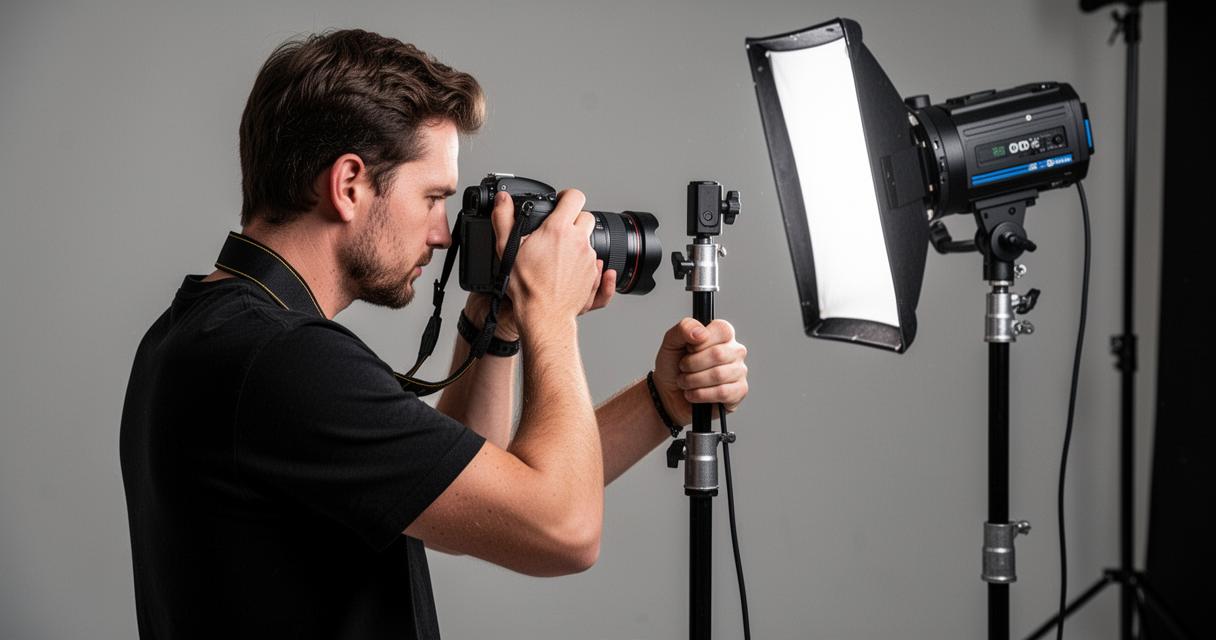
Once your green screen is hanging smoothly and your stand is secure, attention turns to the lighting setup — the single most influential factor in shadow control. A common mistake in home studio environments is relying on a single harsh light source, which almost always produces pronounced shadows on the background. A well-balanced studio lighting system typically involves a key light positioned to illuminate the subject from one side and a fill light placed on the opposite side to soften the contrast and reduce shadow depth. For green screen work specifically, it is also worth dedicating at least one additional light purely to illuminating the backdrop itself, entirely separate from the lights used on your subject.
Whether you opt for continuous lighting or strobe lighting will depend on your intended use. Continuous light, which provides a steady, constant output, is particularly well-suited to video production as it allows you to see the lighting effect in real time. Strobe lighting, on the other hand, delivers powerful bursts of light ideal for freezing motion in still photography. When using studio flash, shutter speed becomes an important consideration — a speed in the range of one hundred and twenty-fifth to one two-hundredth of a second is commonly used to synchronise with the flash cycle effectively.
Setting up diffusers for even illumination
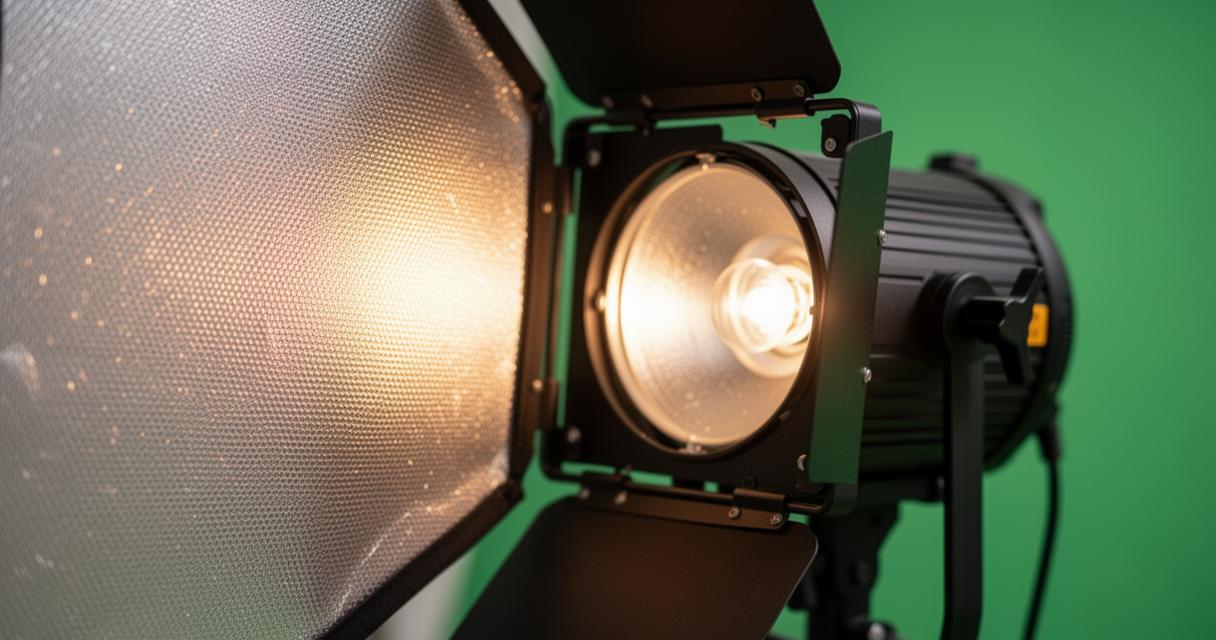
Diffusers are among the most valuable accessories in any photography equipment arsenal, and their role in shadow prevention cannot be overstated. By spreading the light source over a broader area, a diffuser softens the quality of light and reduces the hard-edged shadows that bare bulbs or reflectors can create. Softboxes, shoot-through umbrellas, and diffusion panels all serve this function admirably. For a 300×300 cm green screen, using diffusers on both the background lights and the subject lights helps achieve the kind of even, flat illumination that makes chroma keying far more straightforward. Reflectors — available in white, silver, or gold finishes — can further be employed to fill in residual shadows without introducing additional light sources, keeping your lighting setup manageable and your white balance consistent across the frame.
Key accessories for professional keying results
Securing the Framework for Video Production
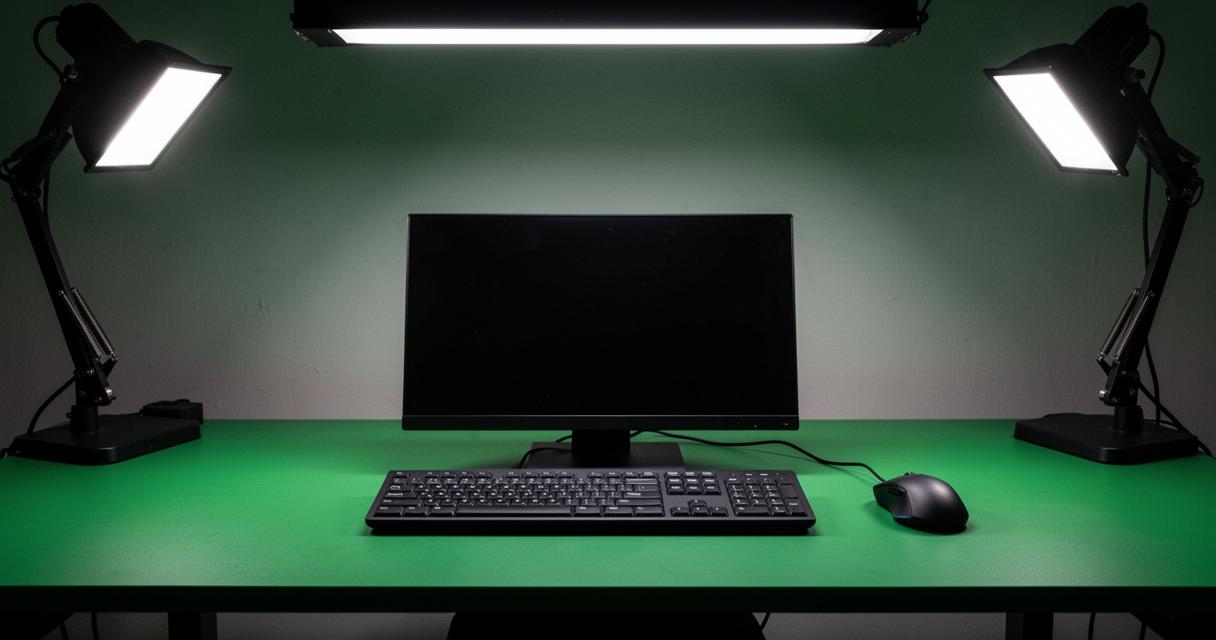
For those using their photo studio kit primarily for video work, the stability of the framework is paramount. An unstable stand not only poses a safety risk but can cause the backdrop to shift mid-take, creating continuity errors that are costly to fix in editing. Ensure that all joints and crossbars are tightened securely before filming begins, and consider using sandbags or counterweights on the base of each stand leg for added security. The integrity of the overall system — from the stand uprights to the horizontal support bar — directly influences the quality of your green screen footage. A slight sway in the backdrop can introduce inconsistent lighting across the cloth surface, which in turn creates uneven colour that complicates the keying screen process considerably.
Fine-tuning distance between subject and background
Achieving professional results with a green screen setup ultimately comes down to the precise management of distances and angles. Beyond simply separating the subject from the backdrop, the angle at which your lights strike the green cloth matters enormously. Lights aimed too sharply from one side will illuminate half the screen brightly while leaving the other in relative shadow — a problem that grows more apparent as the screen size increases. For a 300×300 cm format, positioning lights on either side of the backdrop at roughly forty-five degree angles and at a height slightly above the top edge of the cloth tends to produce the most even coverage. Regular testing and adjustment, combined with a thorough pre-shoot checklist, will help you refine this balance over time. Manual control over your camera settings — including ISO, depth of field, and shutter speed — gives you the precision needed to capture images that require minimal correction in post. With careful attention to each element of your studio photography workflow, a well-chosen kit and thoughtful technique will consistently deliver clean, shadow-free results worthy of any professional production.