Back in the autumn of 2008, mobile phone enthusiasts had their eyes on a new contender that promised to blend classic keypad functionality with the emerging touchscreen revolution. The Sony Ericsson Xperia X1 arrived with plenty of fanfare, but as with most gadgets that try to do everything at once, it left users with mixed feelings. This review takes a proper look at what the handset offered, where it fell short, and whether it still holds any appeal for those hunting for a bargain or a nostalgic pickup today.
The essentials
- The Sony Ericsson Xperia X1, launched in 2008, combined a slide-out keyboard with a high-resolution touchscreen running Windows Mobile 6.1.
- Users often experienced poor performance, including a laggy touch interface and sluggish multitasking due to the device's 256 MB of RAM.
- Common hardware complaints included a fragile slide-out hinge mechanism, mediocre 3 MP camera quality, and tinny audio output.
- Software-related issues, such as occasional system freezing and inconsistent Bluetooth connectivity, were frequent points of contention among owners.
- Basic maintenance like regular reboots, clearing background tasks, and cleaning the hinge mechanism can help mitigate some of the phone's performance limitations.
- While it lacks the power of modern smartphones like the Samsung Galaxy series, the device remains an affordable item of interest for collectors and nostalgia enthusiasts.
Technical specifications and performance assessment
Battery capacity, display quality, and touch interface functionality
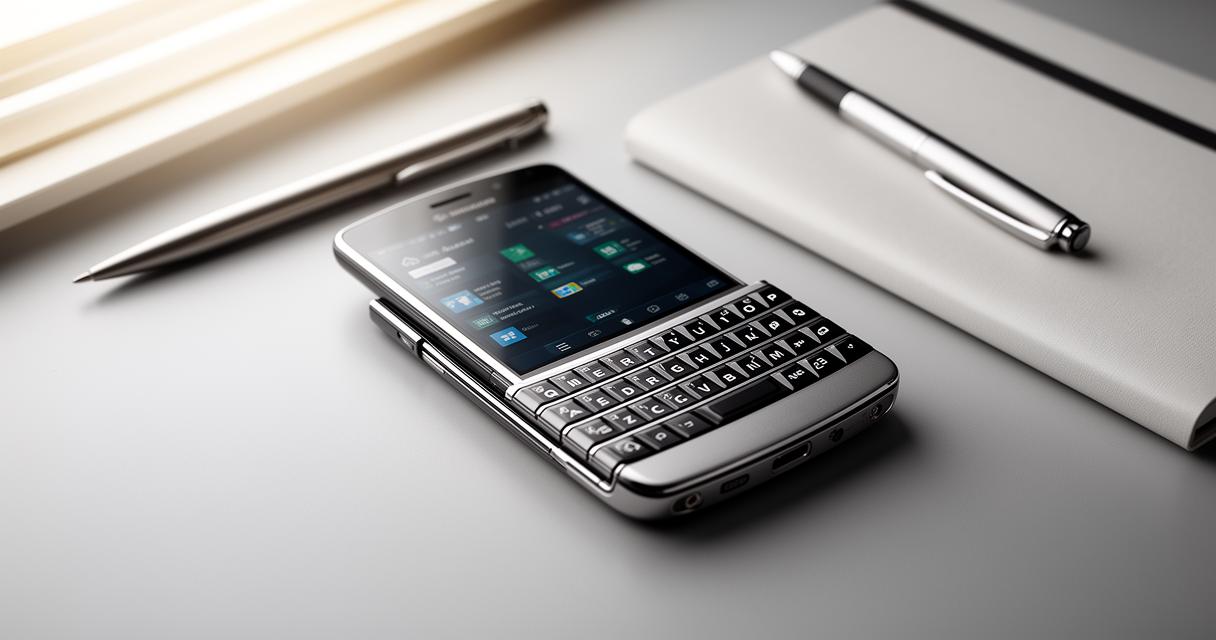
Launched in October 2008, the Xperia X1 was Sony Ericsson's ambitious attempt to marry a slide-out keyboard with a touchscreen display. Weighing in at 145 grammes and measuring a fairly chunky 17 mm in thickness, it wasn't the slimmest device on the market even by the standards of the time. The screen itself came in at 3.0 inches with a resolution of 480×800 pixels, which was actually rather sharp for its era and gave text and images a crisp appearance that many rivals struggled to match. However, the touch interface was where things got a bit wobbly. Running on Microsoft Windows Mobile 6.1 Professional, the touch response often felt laggy and unintuitive, especially when compared to the increasingly slick gesture-based systems that were beginning to appear elsewhere. The 1500 mAh battery was a decent size for the period, offering reasonable stamina for calls and messaging, though heavier multimedia use would drain it rather quickly.
Memory configuration and connectivity options
Under the bonnet, the handset packed 256 MB of RAM, which was adequate for basic multitasking but could feel stretched when several applications were open simultaneously. Thankfully, Sony Ericsson included a microSD slot, allowing owners to expand storage for photos, music, and the odd video clip without much fuss. On the connectivity front, the phone supported Bluetooth for wireless pairing and adhered to standard IEEE wireless protocols, making it reasonably capable of syncing with other devices and networks available at the time. For a business-oriented smartphone, these features positioned it as a serviceable tool for professionals who needed both a physical keyboard and a touchscreen for quick navigation.
Common Faults and Known Issues with the XPERIA X1
Recurring hardware problems and user-reported defects
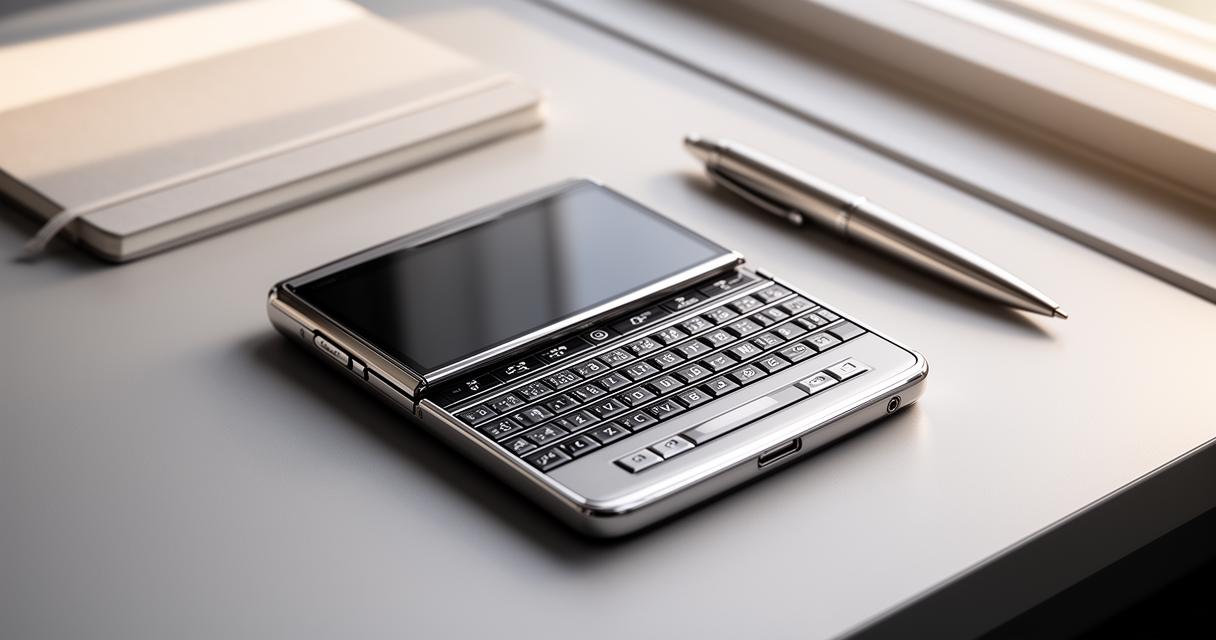
Despite its promising specification sheet, the Xperia X1 wasn't without its fair share of grumbles from owners. The camera, rated at 3 MP with the ability to record video at 480p, often drew criticism for producing grainy images in anything less than perfect lighting. Beyond the camera woes, many users flagged concerns about the build quality of the slide mechanism, which connected the keyboard to the touchscreen portion. Over time, this hinge could become loose or unreliable, leading to a frustrating experience for anyone who relied on the physical keys for typing messages or emails. Audio quality was another sore point, with numerous reports describing the speaker output as tinny and lacking depth, making calls and media playback less enjoyable than expected.
Software glitches and interface responsiveness concerns
- Sluggish response times when switching between applications
- Occasional freezing during touchscreen input
- Inconsistent syncing with Bluetooth accessories
These software hiccups were frequently mentioned across online forums and review platforms. According to data gathered from GSMArena, the device attracted an impressive 11,251,737 hits, reflecting just how much curiosity and demand surrounded the phone at launch. Yet, among the 13,194 user reviews and opinions left by owners, the sentiment was noticeably split. Some praised the design for its versatility, appreciating the dual input methods, while others were quick to criticise the overall functionality, pointing towards the slow user interface as a genuine dealbreaker.
Troubleshooting guide and purchase considerations
Practical solutions for frequent technical issues
For those who already own an Xperia X1 or are considering picking one up second-hand, there are a few sensible steps to address the most common niggles. Restarting the device regularly can help clear temporary glitches that build up within Windows Mobile 6.1 Professional, particularly when the touchscreen becomes unresponsive. If the slide mechanism feels loose, gentle cleaning around the hinge area can sometimes restore smoother movement, though persistent mechanical faults may require professional repair. Audio quality complaints can occasionally be improved by adjusting sound settings within the operating system, though it's worth accepting that the hardware itself has inherent limitations that software tweaks cannot fully resolve. Keeping the microSD card properly formatted and avoiding overloading the 256 MB RAM with too many background applications will also help maintain smoother day-to-day performance.
Price Analysis, Value Assessment, and Comparison with Samsung Galaxy Alternatives
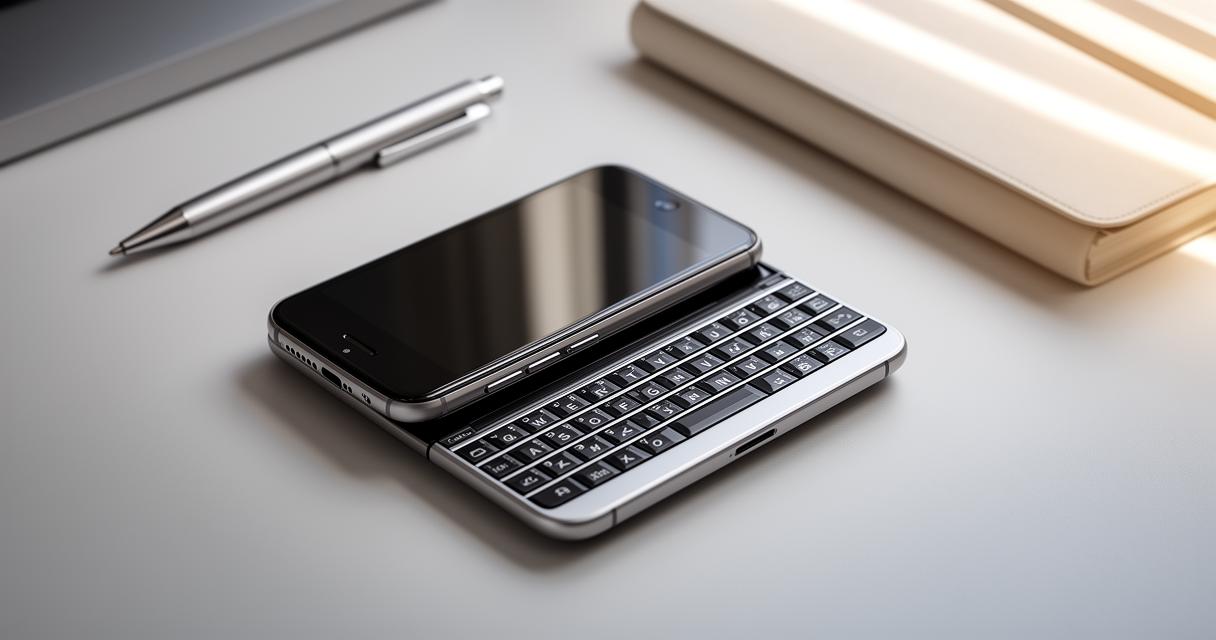
When weighing up whether the Xperia X1 is worth purchasing today, it helps to consider how it stacks up against more modern alternatives such as the Samsung Galaxy range. Naturally, the Galaxy series offers vastly superior processing power, camera capability, and interface fluidity, making it the obvious choice for anyone wanting a dependable daily driver. That said, the Xperia X1 still holds a certain charm for collectors or those nostalgic for the early days of touchscreen smartphones. Prices for second-hand units vary considerably depending on condition, but they generally sit at the lower end of the market, making it an affordable curiosity rather than a serious contender for everyday use. Ultimately, this handset represents an interesting chapter in mobile phone history, blending ambition with the growing pains typical of transitional technology, and while it won't replace a modern smartphone, it remains a fascinating piece of kit for enthusiasts who appreciate where the industry has come from.