
Android has quietly become one of the most exciting platforms for racing enthusiasts, offering an enormous library of titles that range from arcade-style thrillers to near-simulation experiences. Whether you’re after a quick burst of adrenaline during a commute or a deep, immersive session with friends, the mobile racing genre has matured into something genuinely impressive. This article explores the standout games, their multiplayer offerings, and the practical steps you can take to ensure your device runs them as smoothly as possible.
In brief
- The Android racing genre has matured into a robust ecosystem, offering everything from cinematic, high-fidelity simulations to accessible, arcade-style experiences.
- Premium titles like the Asphalt series set industry standards for mobile visual fidelity, featuring detailed car models and advanced lighting effects.
- Free-to-play racing games have made the genre highly accessible, providing enjoyable core gameplay that runs well even on budget-friendly hardware.
- Competitive online modes, including ranked ladders and live tournaments, allow players to engage with global communities and benefit from regular content updates.
- Local multiplayer options, such as split-screen or Bluetooth connectivity, provide social gaming experiences that mimic traditional couch-play.
- Adjusting in-game graphics settings like resolution, frame rates, and texture quality is essential for optimizing performance and reducing lag on various Android devices.
- Players should check system requirements against their hardware capabilities to ensure a smooth gaming experience and avoid performance issues on older devices.
Top android racing titles offering outstanding graphics and performance
Premium racing experiences: asphalt series and beyond
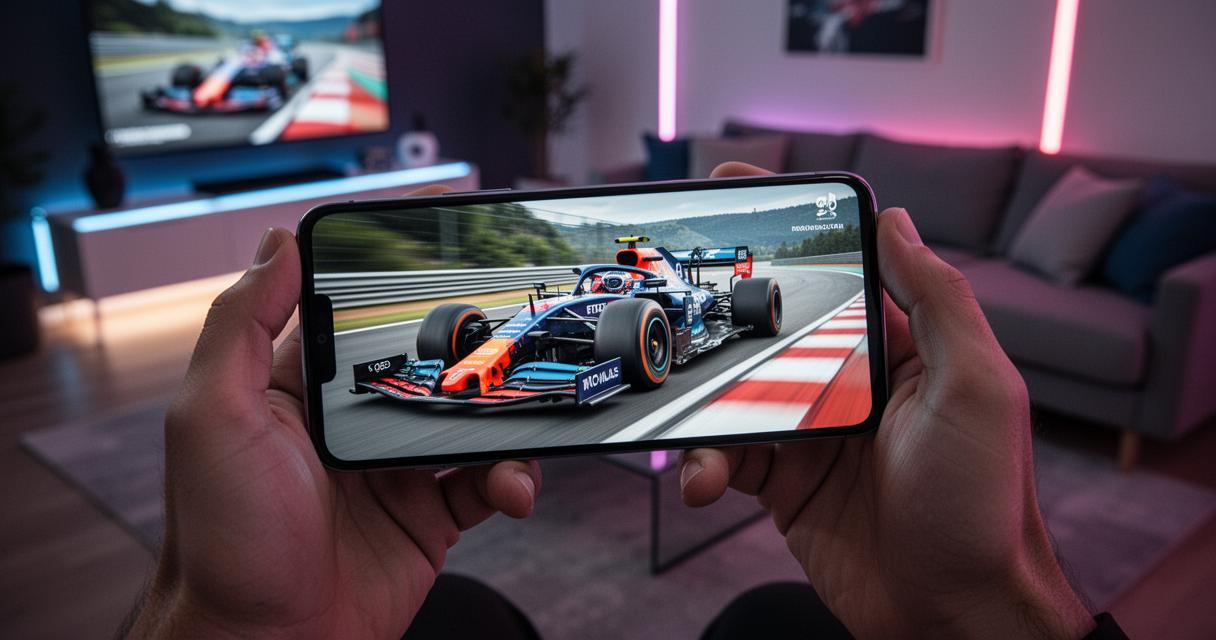
When discussing visual fidelity on mobile, the Asphalt franchise remains a benchmark that other developers are frequently measured against. Titles such as Asphalt 9: Legends deliver console-quality lighting effects, detailed car models, and fluid animations that make every race feel cinematic. These premium experiences often come with a modest download size but reward players with sharp textures and responsive controls that feel tailor-made for touchscreens. Beyond Asphalt, other paid or premium-tier games have started following suit, investing heavily in realistic damage modelling and dynamic weather systems that genuinely affect handling. For players who prioritise visual spectacle alongside solid mechanics, these titles represent some of the finest examples of what a modern smartphone can achieve without needing a dedicated gaming console.
Free-to-play champions: accessible racing entertainment for every player
Not everyone wants to commit financially before trying a new title, and thankfully the free-to-play racing scene on Android is thriving. Games like Mario Kart Tour have brought beloved characters and power-up-based chaos to mobile screens, proving that accessibility doesn’t have to come at the cost of enjoyment. These free entries typically rely on in-app purchases for cosmetic upgrades or faster progression, but the core gameplay loop remains enjoyable without spending a penny. It’s worth noting that many of these free titles are surprisingly well optimised, running smoothly even on older or budget-friendly hardware. This democratisation of racing entertainment means that a much wider audience, including younger players or those testing the genre for the first time, can join in the fun without any financial barrier to entry.
Multiplayer and Online Racing Modes for Competitive Thrills
Connecting with players worldwide: online racing communities
One of the biggest draws of contemporary racing games is the ability to compete against real people rather than scripted opponents. Online leaderboards, seasonal events, and ranked ladders have transformed simple time trials into ongoing competitive journeys. Many titles now feature live tournaments where players from different countries race in real time, creating a genuine sense of community around shared passion for speed. This connectivity also encourages developers to release regular content updates, keeping the experience fresh with new tracks, vehicles, and challenges. For players who enjoy the social side of gaming, joining clubs or crews within these apps often unlocks additional rewards and a stronger sense of belonging within the wider racing community.
Split-Screen and Local Multiplayer Options for Social Gaming
While online play dominates much of the conversation, local multiplayer still holds a special place for many gamers who enjoy racing alongside friends in the same room. Some Android titles support split-screen functionality or Bluetooth-based connections, allowing several devices to sync up for a shared race without needing a stable internet connection. This format brings a nostalgic, couch-gaming feel to mobile devices and works particularly well for casual get-togethers or family gaming sessions. Though this feature is less common than online modes, its presence in select games adds considerable replay value and demonstrates that developers haven’t entirely abandoned the appeal of face-to-face competition.
Optimising your device for peak racing performance
Graphics settings configuration across different android versions
Getting the most out of a racing game often depends on how well you configure your graphics settings, and this can vary significantly depending on which version of Android you’re running. Newer builds generally offer more granular control, allowing players to adjust frame rate targets, texture quality, and shadow detail independently. Lowering resolution slightly can sometimes yield a smoother, more responsive experience, particularly during hectic multiplayer races where consistent performance matters more than pristine visuals. It’s worth experimenting with these settings rather than relying on default configurations, as even small adjustments can noticeably reduce lag or stuttering during intense moments.
Device Compatibility and System Requirements for Smooth Gameplay
Before downloading a demanding title, checking compatibility against your device’s specifications can save considerable frustration. Processor speed, available RAM, and GPU capability all play a role in determining whether a game runs at its intended quality. Many app store listings now include recommended specifications, giving prospective players a clearer idea of what to expect. For those using older hardware, opting for lighter titles or manually reducing in-game graphics settings can help maintain a stable frame rate. Ultimately, matching your expectations to your device’s capability ensures that immersive racing remains enjoyable rather than frustrating, allowing every player to find a title that suits their hardware without compromising too heavily on entertainment value.